
2. Get your API key
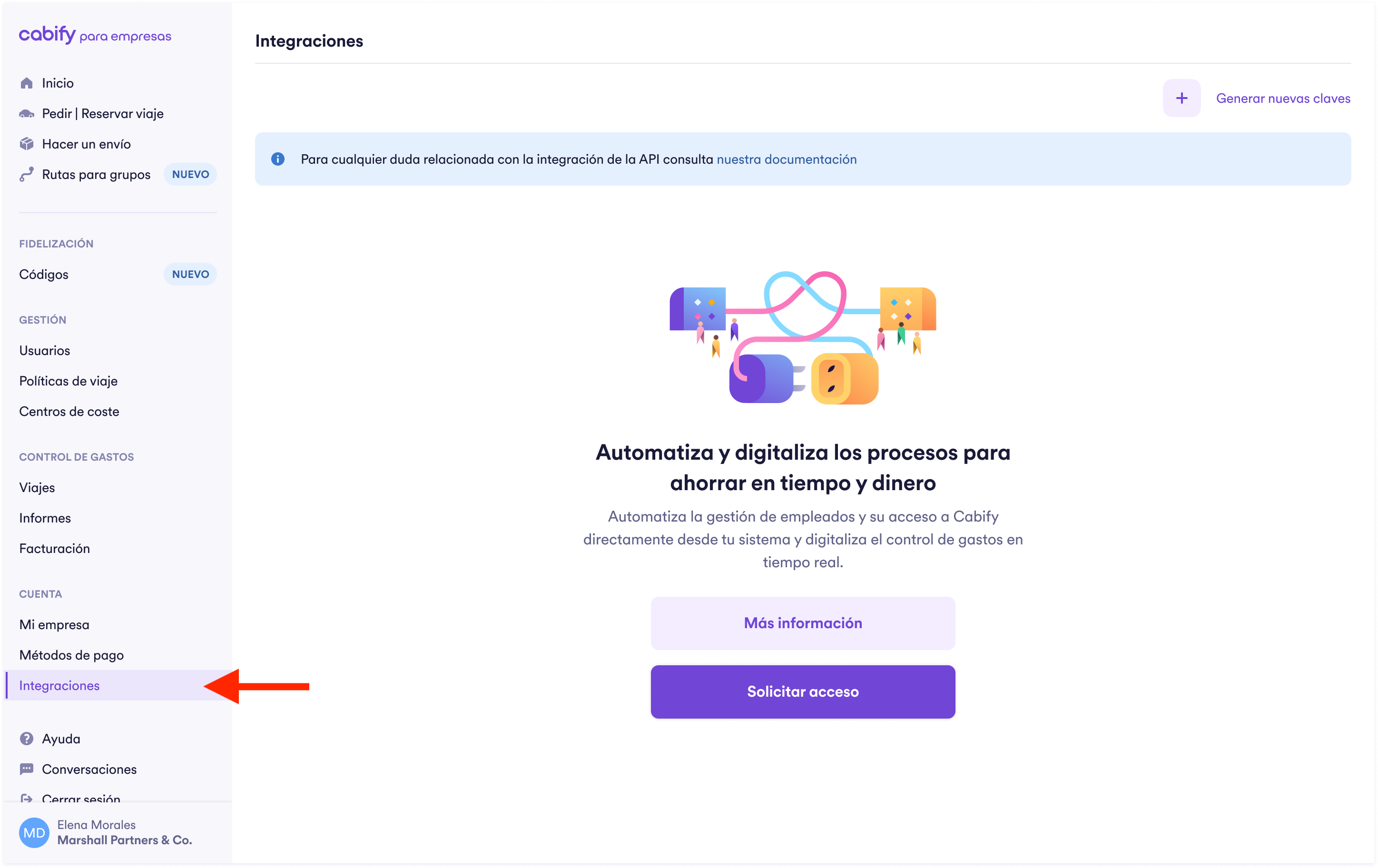
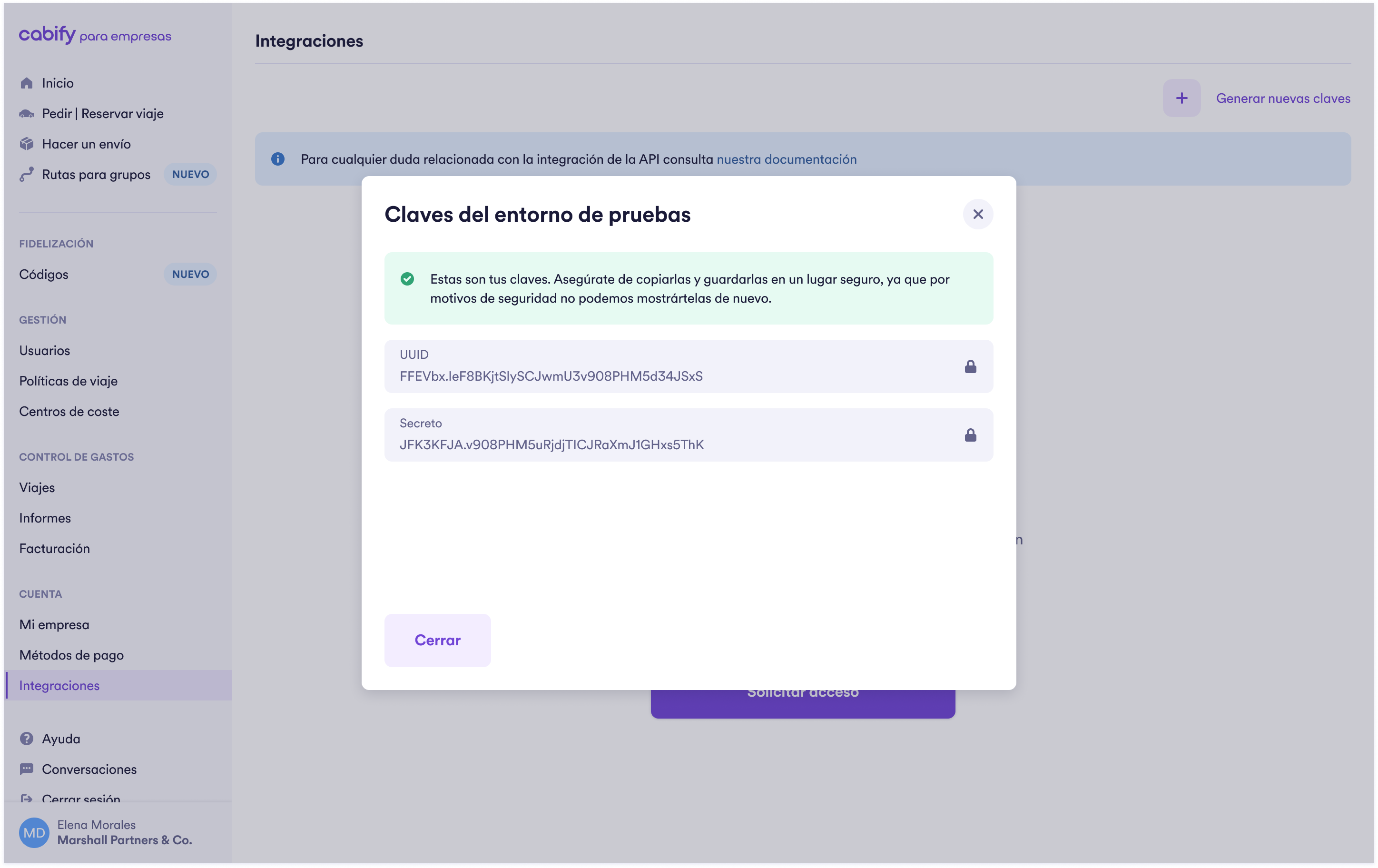
You should use API keys if you are a Cabify customer and you are accessing your own Cabify data. Admin users can manage API keys in the Integration section. The value of the key itself will only show once at the time of creation, so be sure to save it somewhere securely immediately.
Each integration you create gives you two values: an OAuth UUID, which identifies the integration and is labelled UUID in the panel, and a Secret. You need both to request an access token, and the OAuth UUID is also the key we use to sign the webhooks we send you. Testing and production are separate integrations, each with its own OAuth UUID and Secret.
Storing API keysYour API keys will have the same access rights as an admin user in your company, so it's critical that they are stored securely. Do not share them in publicly accessible areas such as GitHub.
Updated 14 days ago